Try the item on yourself — from your photo, in 30 seconds
Upload your photo and a photo of the item — we'll show how it will look on you. Free, no app install, no fitting-room queues.
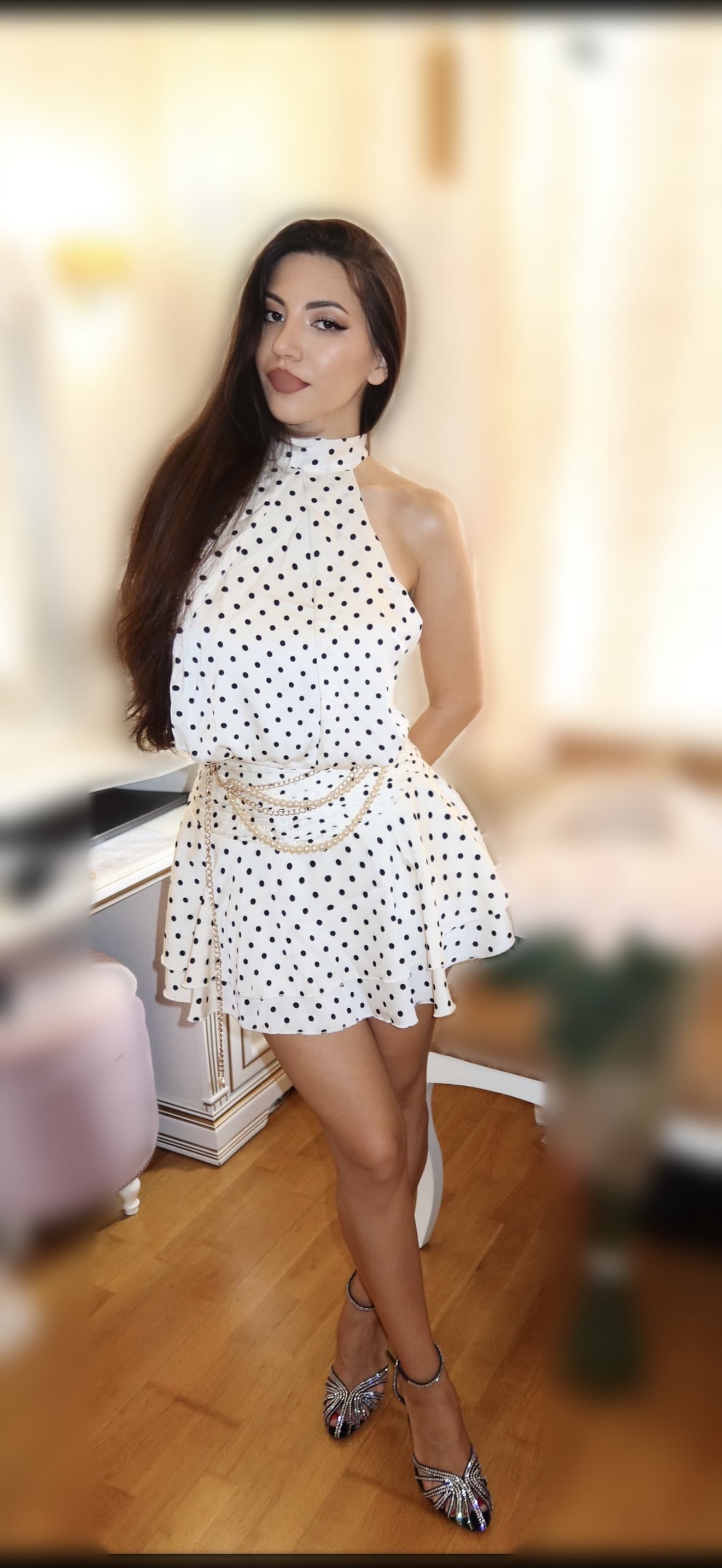
Three steps — and you see yourself in the new item
1. Upload your photo
A regular full-length or waist-up selfie works. The main things are good light and that you're fully visible.
2. Add the item photo
Photograph the garment at home or save the product image from an online store — Wildberries, Ozon, any other.
3. Get the result
In about 30 seconds AI creates a realistic image: you — in this item. Save it, compare options, share with friends.
Your photos are safe
We don't publish
Your photos are visible only to you: without your consent they won't appear in examples, in the showcase, or anywhere else.
We don't share with third parties
Photos are used only for your try-ons and are never shared with advertisers or third-party services.
We delete originals after 30 days
Uploaded photos are automatically deleted 30 days after upload.
More details in the privacy policy.
Who benefits from virtual try-on
When shopping online
Every second return in online stores happens because it "looks different". Try the item on your photo before buying and order only what truly suits you. Fewer returns, less money and nerves wasted.
When choosing an outfit
Putting together a look for an interview, a date, or a vacation? Check combinations in advance: try on several items one by one and pick the best outfit without changing clothes ten times.
When sorting your wardrobe
An item hangs in your closet and you can't remember how it fits? One try-on is faster than changing. And in LOOKA you can upload your whole wardrobe — AI will sort items by type, color, and season.
When there's no time for stores
Offline fitting rooms mean queues, bad lighting, and rushing. An online try-on takes two minutes and is available anytime — even at night, even on the go.
Liked how the item fits? We'll sew it to your measurements.
The engineering engine will build patterns precisely for your figure — download a PDF and print it on a regular printer.
How to get the most realistic result
- Take photos in daylight, without harsh shadows on your face and clothes.
- The item should be fully visible in its photo — ideally on a plain background or a mannequin.
- Avoid heavily closed poses: it's better to keep your arms down or slightly apart.
- If the result isn't perfect — try another photo. A try-on takes half a minute, so experiment as much as you like.
Frequently asked questions about virtual try-on
Is it really free?
Yes. A trial period is currently in effect: virtual try-on and all other LOOKA features are free and unlimited. We'll announce any pricing changes in advance.
Do I need to install an app?
No. Everything works right in the browser — on your phone and computer. If you like, you can add the site to your home screen and LOOKA will open like an app.
Which photo works best?
Good lighting, you full-length or waist-up, the garment photographed entirely on a plain background. The better the source photos, the more realistic the result.
Will the try-on show whether the item fits my size?
The result is illustrative: it shows how the item looks on you visually — color, style, silhouette — but doesn't determine the exact size fit.
Are my photos safe?
Yes. Photos are used only for your generations, are never shared with third parties, and aren't published without your consent. Source photos are automatically deleted 30 days after upload. Details are in the privacy policy.
Can I try on an item from an online store?
Yes — save the product photo from Wildberries, Ozon, or any other store and upload it to the fitting room together with your photo.